Zsh logo · Photo by Guist · CC BY-SA 4.0 · source

vim and zsh: Creating directories for files with ease
This is a small article about a thing I made because I was fed up with having
to mkdir -p all the time.
Assume you follow an howto and you get the create this file /path/to/file and
you don’t have that path yet. Now you can do mkdir -p /path/to and then open
the file in your editor. I did that, but I got annoyed by it. So I wrote a
little helper mkdir-from-filename which creates a directory based on the
filename you give it: mkdir-from-filename /path/to/file:
mkdir_from_file() {
  local file="$1"

  if [ -z "$file" ]
  then
    echo "No file given, unable to do anything" >&2
    return 1
  fi


  local dir="${file%/*}"
  local segments;
  declare -a segments
  segments=(${(s:/:)file})

  # foo/ foo, its a something in the current dir, whatevs
  [ $#segments -le 1 ] && return 0

  [ ! -e "$dir" ] && mkdir -p "$dir"

}

mkdir_from_file $@

# vim: ft=zsh
This creates /path/to and you can do whatever. Now, you still need to open
vim or whatever your editor is. So I looked at so-called autocommands of vim.
Vim let’s you do actions on specific events, its not really events like in
asynchronus programming, but… hooks. Is perhaps a better word for it. You can
hook into an event (ha!) and than you run an action. Because I used an
autoloaded function I needed to wrap it in a small script which you can find in
my bin-dir. The name is horrible, but it works and i know why its there.
augroup PreOpenFile
  autocmd!
  autocmd BufWritePre * call system($HOME . '/bin/zsh-for-vim ' . shellescape(expand('%:p')))
augroup END
The bin script:
#!/usr/bin/env zsh

fpath=(~/.zsh/autoload $fpath) && autoload mkdir-from-filename

mkdir-from-filename $@
This now lets me vim /path/to/file without having to create a directory first
and.. I can just :e /foo/bar/bar/azh too within vim without having to worry
directories existing.
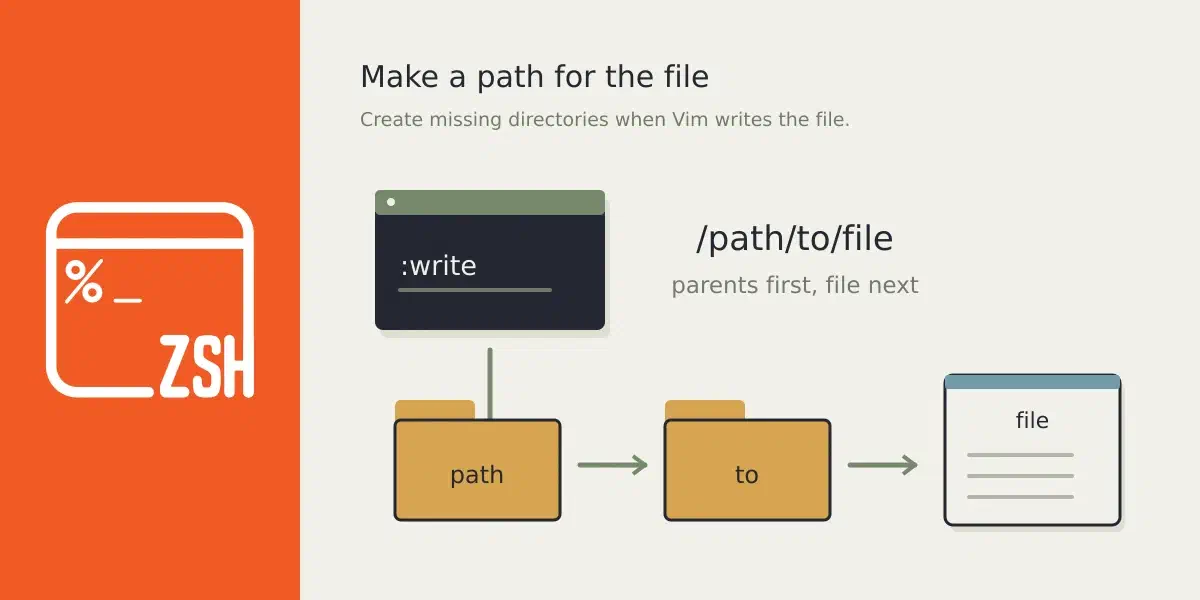
You need to be aware that the action only triggers on a write, not when you first open the file, because that would leave directories behind even if you didn’t save the file. My head, not just a head rack my friend.
Now, you could implement this in pure vim, but I kinda like this approach as I can use it in my shell as well and I can plug it into other scripts. So..
The script is smart enough to know you are trying to mkdir a file,
mkdir-from-filename foo and it won’t do anything. I have this aliased btw,
fmkd for file-mkdir.