Bum - the git equivalent of kiss
 Build reliable Git helpers by using plumbing commands and small primitives instead of fragile assumptions. Bum composes tiny tools into reusable scripts.
npmjs: security theater galore
 I stopped my release to write this, npm broke publishing for everyone because they are not able to properly support multifactor
Cut the noise: Declarative web components with HTMLElementSugar
 HTMLElementSugar simplifies web component development by eliminating boilerplate for attribute definitions, aliases, templates, and configuration inheritance.
Config based git hooks for fun and profit
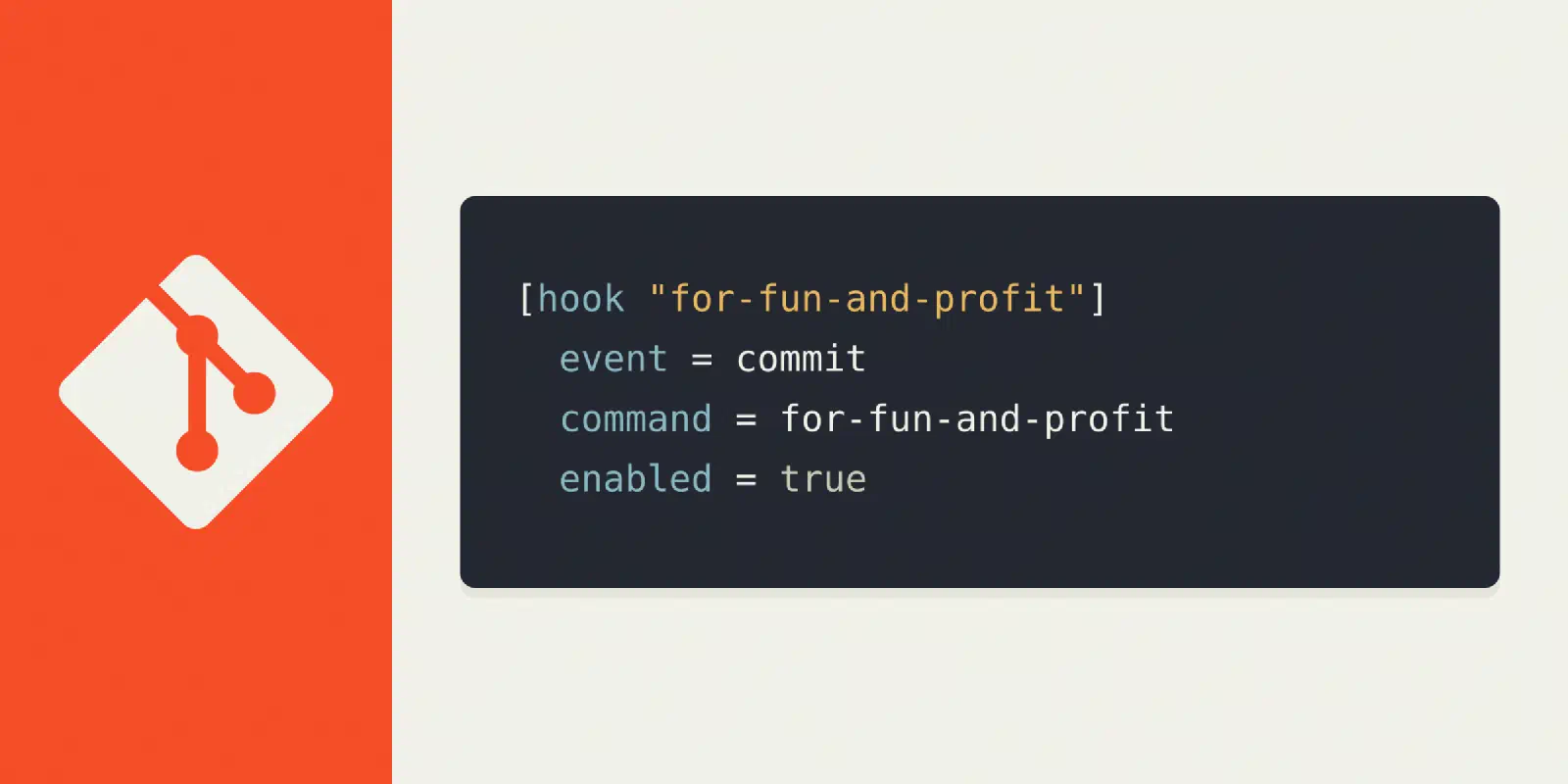 Git 2.54 adds config-based hooks, letting you share hooks across projects without a shared hooks directory — and without Husky staging a hostile takeover.
How to replicate bum
 Bum is small scripts, sensible guardrails, and gitconfig as a runtime — all built on git's own plumbing. No magic, no reinvention. Just git, used well.
All your Traefik are belong to us
 Run Traefik as a permanent service on your dev box. One wildcard cert, with real domains, and self-registering Docker projects. Scales to production too.
Greybeards rise
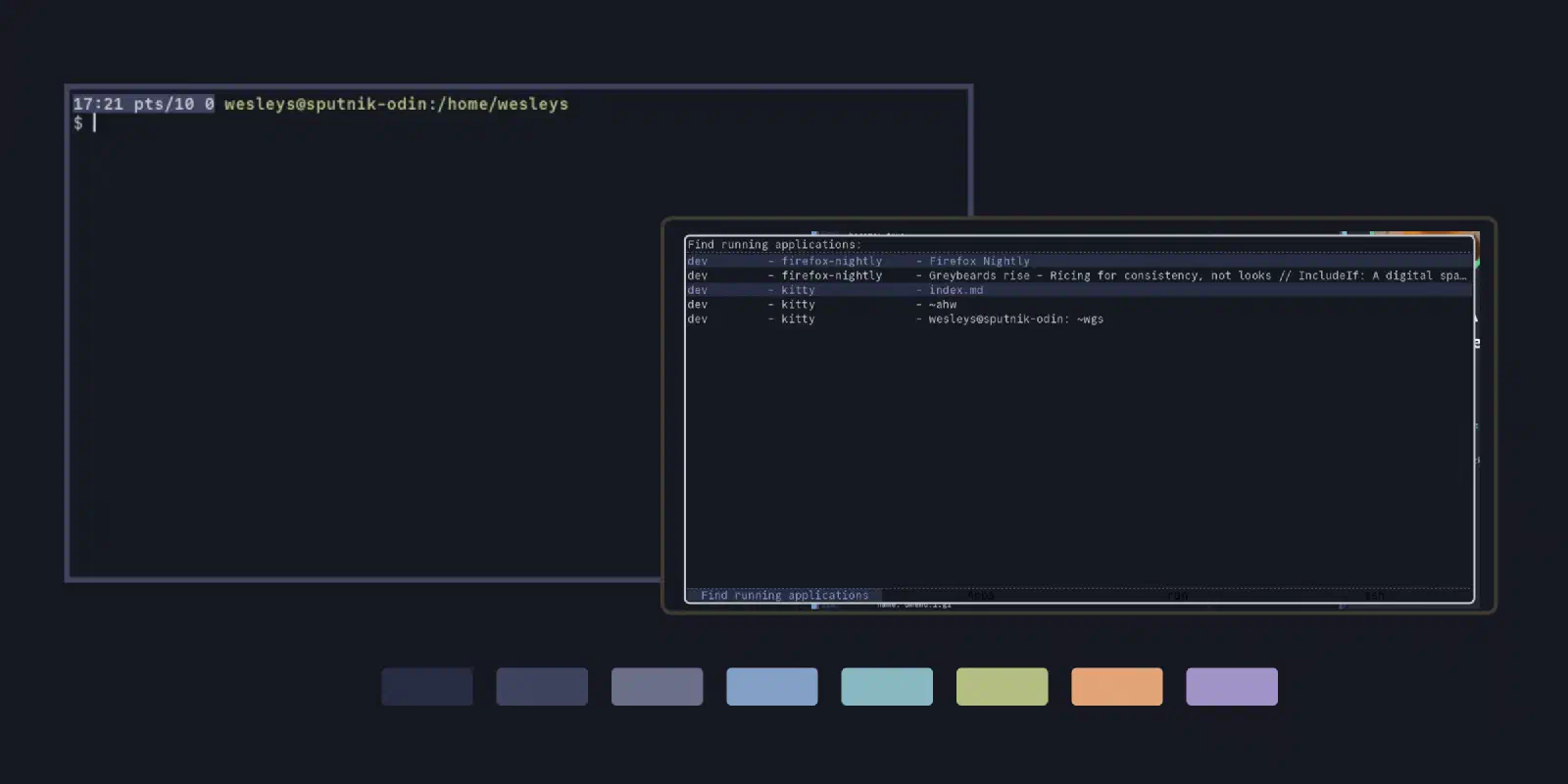 How I unified my entire desktop under one vim colorscheme, iceberg, spanning terminal, prompt, i3, rofi, screensaver, and git. Consistency over aesthetics.