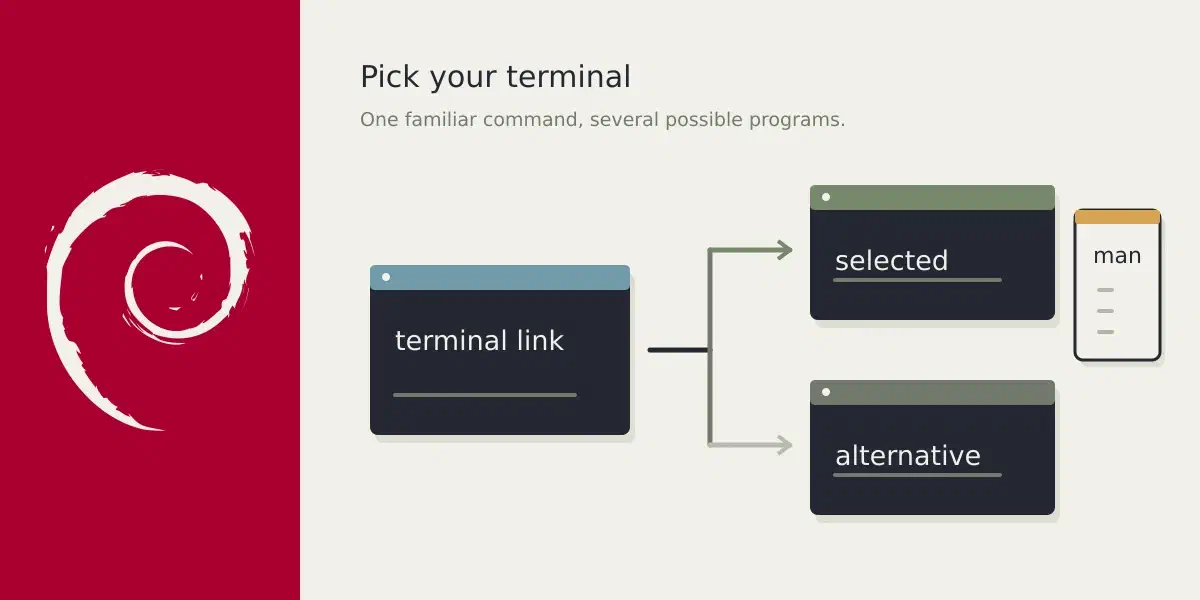
Question: How do I register deepin-terminal as an alternative on Debian?
Answer
Open a terminal and type in man update-alternatives and look for --install.
You’ll want to query the group to extract some useful information
$ update-alternatives --query x-terminal-emulator
Name: x-terminal-emulator
Link: /usr/bin/x-terminal-emulator
# snip
This is what the man page tells you:
update-alternatives --install link name path prioSo let’s show it with a dummy editor/file
sudo touch /opt/foo
sudo update-alternatives --install /usr/bin/x-terminal-emulator \
    x-terminal-emulator /opt/foo 1000
/opt/foo is now the best candidate for your terminal emulation program as
seen by the query:
$ update-alternatives --query x-terminal-emulator
Name: x-terminal-emulator
Link: /usr/bin/x-terminal-emulator
Slaves:
 x-terminal-emulator.1.gz /usr/share/man/man1/x-terminal-emulator.1.gz
Status: manual
Best: /opt/foo
Value: /usr/bin/kitty

Alternative: /opt/foo
Priority: 1000
Slaves:
To undo your action:
sudo update-alternatives --remove x-terminal-emulator /opt/fooNow, there is also a --slave option. It’s oddly named, I don’t know the
history of the option, but it is intended to point to the correct man page. If
you set the --slave you can run man x-terminal-emulator and it shows the
man page of your alternative. I’ll show it with kitty as an example:
sudo update-alternatives --install \
  /usr/bin/x-terminal-emulator x-terminal-emulator /usr/bin/kitty 100 \
  --slave /usr/share/man/man1/x-terminal-emulator.1.gz \
    x-terminal-emulator.1.gz /usr/share/man/man1/kitty.1.gz
and now man x-terminal-emulator shows you the man page of kitty.