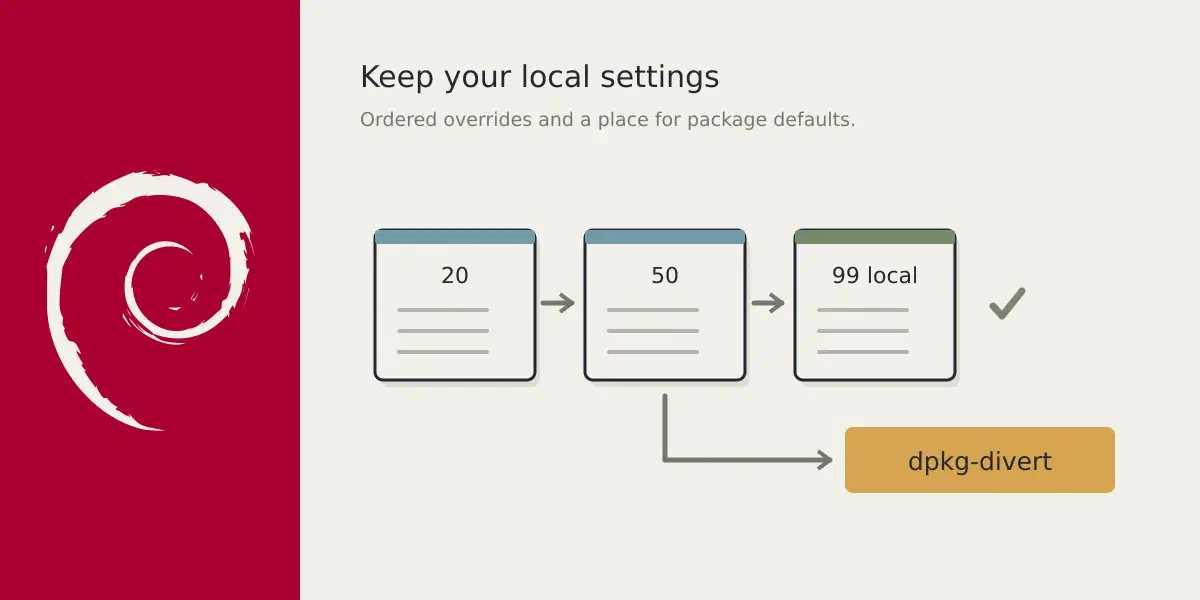
Question: How does Debian solve converging configuration files?
Someone on Reddit asked how you can maintain your own version of application while also being able to upgrade packages without getting conflicts between your changes and Debians changes.
Answer
This is normal in Debian life. Debian often solves this via three ways.
- .d config directories.
- Ordering
- dpkg-divert
Sudo, apache, nginx, and lightdm, all support the first way. Some packages like
unattended-upgrades use the 2nd way, ordering and some like minidnla only
allow for the third way.
LightDM might be a bit different, it follows order twice.
/usr/share/lightdm/lightdm.conf/etc/lightdm/lightdm.conf.d/*/etc/lightdm/lightdm.conf
It first uses the first, then cascades to the .d. directory, where it follows
order and then it uses the last configuration. Meaning each file could
potentially override the earlier settings.
unattended-upgrades relies also on order, because they read all the
configuration files in /etc/apt/apt.conf.d. First they look at
/etc/apt/apt.conf.d/20auto-upgrades where it’s configured to run
unattended-upgrades:
APT::Periodic::Update-Package-Lists "1";
APT::Periodic::Unattended-Upgrade "1";
And then it is followed by /etc/apt/apt.conf.d/50unattended-upgrades. If you
want to change the defaults you can use
/etc/apt/apt.conf.d/52unattended-upgrades for example.
And then there is minidnla which has only one configuration and doesn’t have
a .d or ordering. For this Debian provides a cool tool: dpkg-divert.
With dpkg-divert you can override configuration files because the package
manager dpkg will now know about the diversion and drop the package file in
the alternative location. You can now use your own configuration and updates
will still execute uninterrupted because you diverted the file.
This is for example how I treat unattended-upgrades:
sudo dpkg-divert --divert /etc/apt/apt.conf.d/50unattended-upgrades.dpkg-divert \
    --rename /etc/apt/apt.conf.d/50unattended-upgrades
Now when the package manager comes along it will install a newer version of the
file in /etc/apt/apt.conf.d/50unattended-upgrades.dpkg-divert and your
changes aren’t overridden.
Personally I prefer this over what they recommend with
/etc/apt/apt.conf.d/52unattended-upgrades. But you can always take their
approach.
Always divert the file before making your own changes. Otherwise you’ll lose the original configuration and still end up with dpkg interrupting your package upgrade.
You can also divert binaries if you want.
To undo a diversion:
sudo dpkg-divert --remove --rename /etc/apt/apt.conf.d/50unattended-upgrades