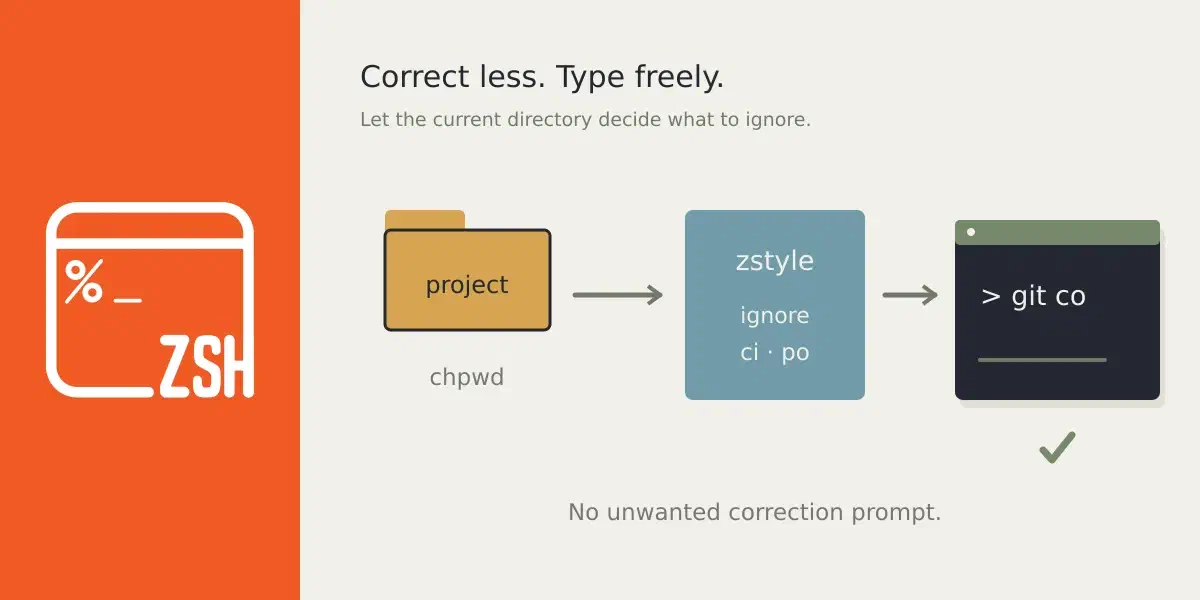
Zsh logo · Photo by Guist · CC BY-SA 4.0 · source

zsh: Dynamically ignore files for autocomplete
In the zshell you can use CORRECT_IGNORE_FILE to ignore files for spelling
corrections (or autocorrect for commands). While handy, it is somewhat limited
as it is global. Now, I wanted to ignore it only for git and not other
commands. But I haven’t found a way to only target git without having to make a
wrapper around git (which I don’t want to do).
So I wrote an autoloaded function that does this for me. The idea is rather
simple. In your .zshrc you set a zstyle that tells which file should be
ignored based on files (or directories) that exist in the current directory.
Based on this you build the CORRECT_IGNORE_FILE environment variable or you
just unset it. This function is then hooked into the chpwd action. I went
with three default options, check dir, file, or just exist: d, f, or e. File
wins, then directory, then exists.
In addition, there is also support for whole-sale directories. If you have a
directory where you know things are gonna be conflicting, for example in my git
repo of git itself, my git poh conflicts with the po (i18n) directory and
the ci directory with my co alias. The beauty is, nameddir support comes
out of the box, so you don’t need to spell it out, you just jot down ~git for
where-ever your git source directory is.
The API is a little inconsistent between the two. But one is more, if this
combination exist, just ignore this path, eg, for .git and app just ignore
app. I actually want to ignore things only for certain commands.
Whereas the directory option allows in this dir just ignore these two
units, like ci and po.
# in your .zshrc
add-zsh-hook chpwd set-correct-ignore

# zstyle ':local:correct-ignore:d' $ignore $conditions
zstyle ':local:correct-ignore:d' app .git app

# zstyle ':local:correct-ignore:directory' $dir $ignore $ignore
zstyle ':local:correct-ignore:directory' ~git ci po
The actual autoloaded function can seen here:
# set-correct-ignore
local word dirs check_type all_exist
local ignore_words=()

for check_type in f d e; do
  local -A rules
  zstyle -g patterns ':local:correct-ignore:'$check_type
  for word in $patterns
  do
    zstyle -a ':local:correct-ignore:'$check_type $word dirs
    all_exist=1
    for dir in ${=dirs}; do
      case $check_type in
        e) [[ -e $dir ]] || { all_exist=0; break };;
        d) [[ -d $dir ]] || { all_exist=0; break };;
        f) [[ -f $dir ]] || { all_exist=0; break };;
      esac
    done
    (( all_exist )) && ignore_words+=($word)
  done
done

zstyle -g patterns ':local:correct-ignore:directory'
for dirs in $patterns
do
    zstyle -a ':local:correct-ignore:directory' $dirs words
    [ $PWD != $dirs ] && continue
    ignore_words+=($words)
done

if (( ${#ignore_words} )); then
  export CORRECT_IGNORE_FILE="${(j:|:)ignore_words}"
else
  unset CORRECT_IGNORE_FILE
fi
Now you can enter, in this case a Laravel project and git ap won’t trigger a
correction from zsh: zsh: correct 'ap' to 'app' [nyae]?. Sweet! Totally :)