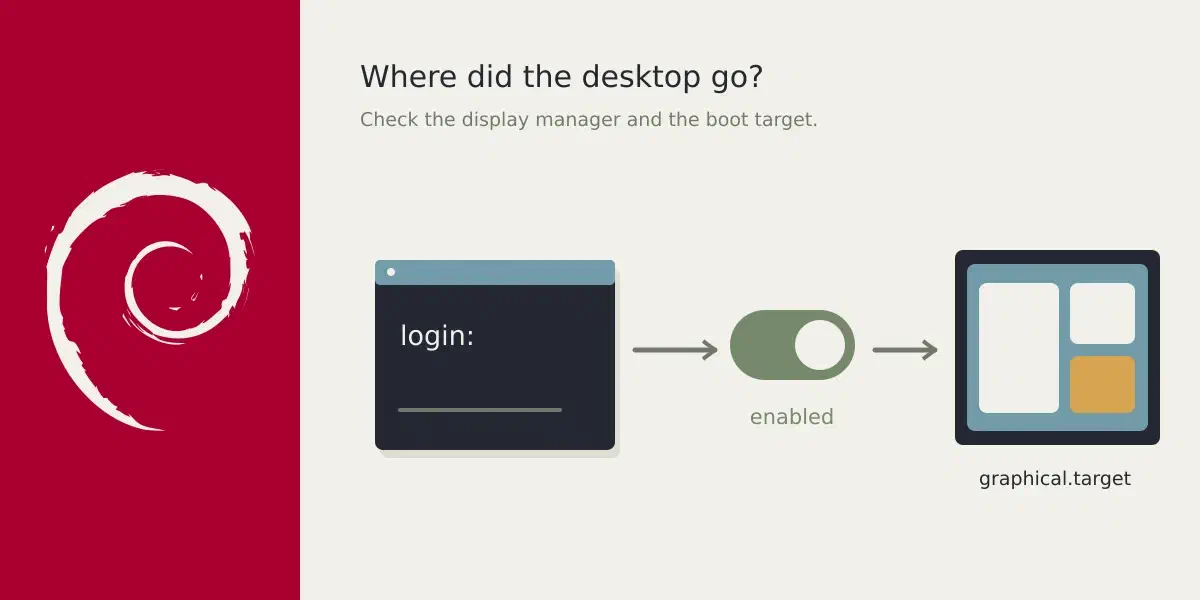
Question: My Debian doesn't boot with a GUI
Answer
If you expect your machine to boot with a GUI and it doesn’t you might need to look at which Display Manager (aka dm) you have installed:
dpkg -l | awk '/^ii .*dm / { print $2}'If you run X11, you can also inspect the file
/etc/X11/default-display-manager to see which is your default:
$ cat /etc/X11/default-display-manager
/usr/sbin/lightdm
If that returns some thing, do this: systemctl status <what you got as answer>. In my case that would be: systemctl status lightdm. That should
give you some output, similar to this:
$ systemctl status lightdm
● lightdm.service - Light Display Manager
     Loaded: loaded (/usr/lib/systemd/system/lightdm.service; enabled; preset: enabled)
If it isn’t enabled, do systemctl enable lightdm. Reboot to confirm your GUI
boots.
Alternatively it could be that your target is incorrect, please check that
systemctl get-default returns graphical.target. If it is
multi-user.target, please set it to graphical: systemctl set-default graphical.target.