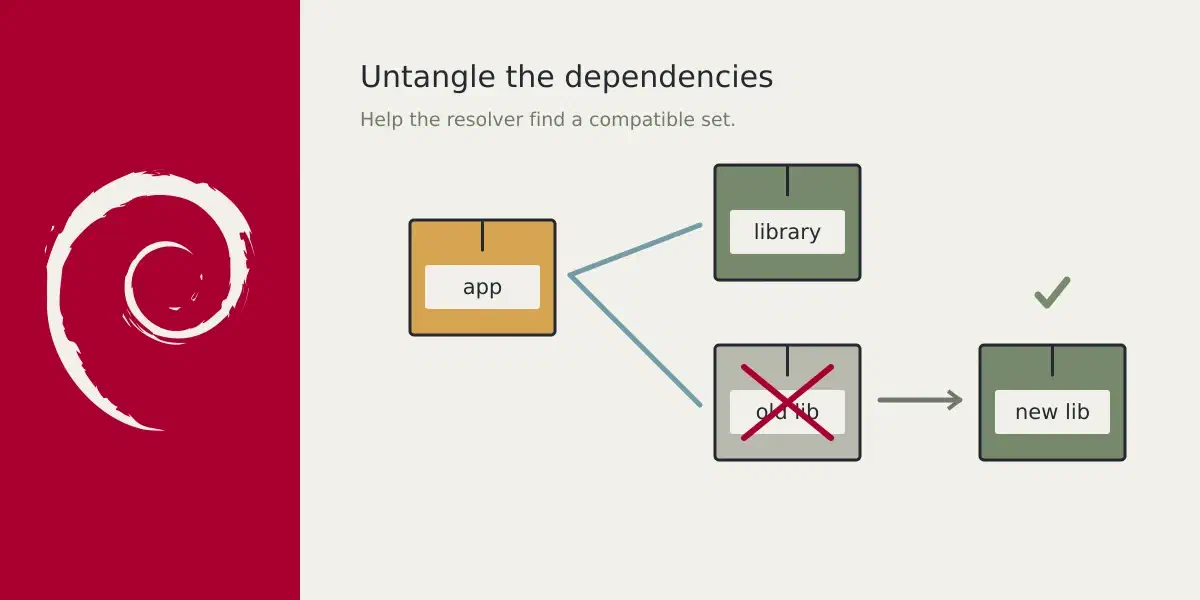
Question: apt wants to remove packages during testing/unstable upgrade. How do I fix it?
Answer
Don’t focus on what to delete - focus on what to install.
The diagnostic process: Understand what’s being replaced
On testing/unstable you sometimes get a warning when you run any of these commands:
apt dist-upgrade
apt-get dist-upgrade
aptitude full-upgrade
It wants to remove a package and you are not sure why this happens. A great way to figure out what is going to happen is to find out which packages are impacted.
One thing I would always advice in these cases:
- Use the minimal system upgrade as described in the Debian Upgrade Guides.
Meaning, start of with apt update, then apt upgrade and finally run apt dist-upgrade. This will get you, IMO, in a great position to tackle the
problem. The amount of packages you are going to upgrade with the last command
will be greatly reduced.
During the time that trixie was testing/unstable libkf5libkleo5 got replaced
by libkpim6libkleo6. They where both dependencies of kmail, and kmail was
a dependency of kde-standard.
You could see that by running aptitude why:
$ aptitude why libkpim6libkleo6
i   desktop-base Suggests gnome | kde-standard | xfce4 | wmaker
p   kde-standard Depends  kmail (>= 4:24.12.0)
p   kmail        Depends  libkpim6libkleo6 (>= 4:24.12.0)
You can now inspect the two packages and look at the output of apt-cache policy:
$ apt-cache policy kde-standard kmail
kde-standard:
  Installed: (none)
  Candidate: 5:155
  Version table:
     5:155 900
        900 https://deb.debian.org/debian unstable/main amd64 Packages
        500 https://deb.debian.org/debian testing/main amd64 Packages
     5:142 10
         10 https://deb.debian.org/debian stable/main amd64 Packages
     5:111 10
         10 https://deb.debian.org/debian oldstable/main amd64 Packages
     5:102 10
         10 https://deb.debian.org/debian oldoldstable/main amd64 Packages
kmail:
  Installed: (none)
  Candidate: 4:24.12.0-2
  Version table:
     4:24.12.0-2 900
        900 https://deb.debian.org/debian unstable/main amd64 Packages
        500 https://deb.debian.org/debian testing/main amd64 Packages
     4:22.12.3-1 10
         10 https://deb.debian.org/debian stable/main amd64 Packages
     4:20.08.3-1 10
         10 https://deb.debian.org/debian oldstable/main amd64 Packages
     4:18.08.3-1 10
         10 https://deb.debian.org/debian oldoldstable/main amd64 Packages
With apt-cache depends kmail you can see the dependency tree:
$ apt-cache depends kmail
[snip]
Depends: libkpim6libkleo6
  Depends: <libkpim6libkleo4-24.12>
[snip]
You can look at the package descriptions to see if they match, or not:
$ apt-cache search libkleo
libkleo-data - KDE PIM cryptographic library, data files
libkleo-dev - KDE PIM cryptographic library, devel files
libkpim6libkleo6 - KDE PIM cryptographic library
libkf5libkleo-data - KDE PIM cryptographic library, data files
libkf5libkleo-dev - KDE PIM cryptographic library, devel files
libkf5libkleo5 - KDE PIM cryptographic library
In this case it is obvious, from the QT5 to QT6 migration that the 6 was needed to complete the upgrade, you can signal to apt to remove the package:
apt-get install kmail libkf5libkleo5-The libkf5libkleo5- is a shorthand for remove this package. + is the
inverse of the action, meaning install it.
By finding out what a package needs to do, you can tell apt, or more precise the resolver of apt what you think it should do.
And during the t64-migration I used this zsh script to automate a big part of that logic:
apt_upgrade_pkg() {

  if [[ -z "$*" ]]
  then
    echo "No package given for upgrade" >&2
    return 1
  fi

  declare -a is_auto;

  local i
  for i in $*
  do

    pkg=${i/\/*/}
    pkg=${pkg/=*/}
    pkg=${pkg/-$/}
    pkg=${pkg/+$/}

    # Skip deinstallations for is_auto checks
    [ "${i:0-1}" != "-" ] && is_auto+=($(apt-mark showauto $pkg))
  done

  sudo aptitude install $@
  RV=$?
  [ -n "$is_auto" ] && sudo apt-mark auto $is_auto >/dev/null
  return $RV
}

apt_upgrade_pkg $@