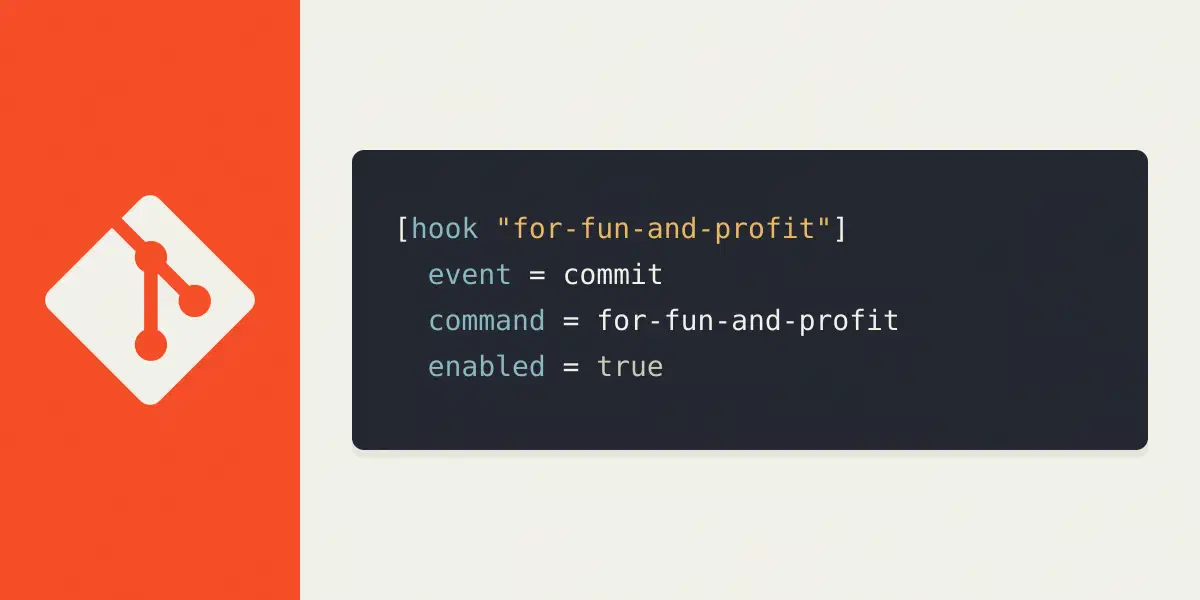
Config based git hooks for fun and profit
brought to you by git 2.54.0
TL;DR
Git is going to have (or by now has – via 2.54.0) a new, well, sorta, new feature called git-hooks which you can define in your configuration. This article will explain the how.
The way you configure these hooks is pretty simple:
[hook "your-custom-hook-name"]
  event = git-hook-name
  comand = some command here
You can test a hook by running git hook run git-hook-name. All the events are
named according to what you can have in .git/hooks/, aka, all the ones found
in man 5 githooks.
For more, continue reading.
All them hooks
I, for example have, via my own custom gittooling bum, two hooks that deal with how commit messages are created:
[hook "prepare-commit-message"]
  event = prepare-commit-msg
  command = git hook-prepare-commit-msg

[hook "commit-message-check"]
  event = commit-msg
  command = git hook-commit-msg
Now each project I work on use these hooks when I run git commit. I don’t
need to define them in each project or via a shared githook directory.
Caveat emptor
My Javascript projects automatically run a testsuite when I push them:
[hook "npm-test"]
  event = pre-push
  command = npm run test "#"
The "#" is needed to exclude additional parameters when the hook is called
from an actual pre-push attempt. When running git hook run pre-push
everything works well. When running it from the actual push, it adds the remote
and the location as seen with GIT_TRACE=1 git push origin:
00:46:53.714453 run-command.c:673       trace: run_command: 'npm run
test' origin git@gitlab.com:waterkip/mything.git
00:46:53.714458 run-command.c:765       trace: start_command: /bin/sh -c
'npm run test "$@"' 'npm run test' origin
git@gitlab.com:waterkip/mything.git
The documentation is a unclear about it. I asked the git mailing
list
because I was wondering if I was being stupid or if I misunderstood things. The
dumbed down answer was: Git hooks should always be treated as run via the hook
framework. And never be used as stand-alone scripts that can be hooked into the
hooks. And when I say never, I mean sometimes. It may work because pre-commit
hooks don’t read from STDIN, or ignoring the data might be fine too. It
depends on your level of comfort and what your hook is trying to do. Hooks
often get additional details via STDIN. For example a push hook gets the
remote and url as regular arguments. And it gets LOCAL_REF, LOCAL_SHA,
REMOTE_REF and REMOTE_SHA via STDIN.
In this case npm run test ignores STDIN, but if your script might read
these, you need to be aware that git also sends data in this way. For me the
quickest fix was to simply add "#" to the command to ignore the additional
arguments. So never do this, k?
Local overrides
All my javascript projects have the hook enabled, but I have some npm repo’s that do not need to have their test run, mainly because they just ship css files and CSS doesn’t really have tests other than “let’s see how it works in the browser”, you can thus tell the hook not to run in your local config:
[hook "npm-test"]
  enabled = false
Now your hook won’t run in that specific repo.
git-hook dir vs config based hooks
I personally love this new approach to hooks. It allows for setting up multiple
hooks without having to add hooks to .git/hooks, which is a good escape
hatch in itself – but it shouldn’t have been the default.
The way these hooks are being defined allows people to create hooks via framework, packages, or toolkits without having to take over complete hookdirs. I’m looking at you Husky… I’ve had this problem where our frontend folks decided husky was more important than my hooks and I had to undo a take over from husky. With this new setup husky and I could live life in harmony (in theory at least, my hate for these hook frameworks is probably too deep, but you can dream :)).